How to transfer files using WeTransfer
1. Go to a new tab and type https://wetransfer.com/ or click here.
2. Then you will be redirected to WeTransfer window.
3. In the left corner of WeTransfer window, you will see a box, asking for the information, please input your valid email and receiver email address, and if you have an additional message, you can write a message to the receiver.
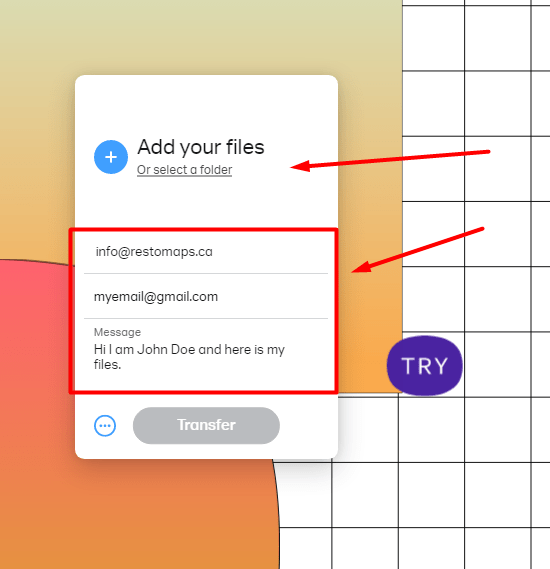

4. When you click ADD YOUR FILES, you will redirect to your local computer, after that select your files to be uploaded.
5. Then click the TRANSFER button in WeTransfer window.
6. WeTransfer will ask for the verification code that sent to your email.
7. After you verified the code, click the VERIFY button and wait to successfully send.
8. You will receive an email notification that you successfully sent the files and the receiver will receive the files you sent.